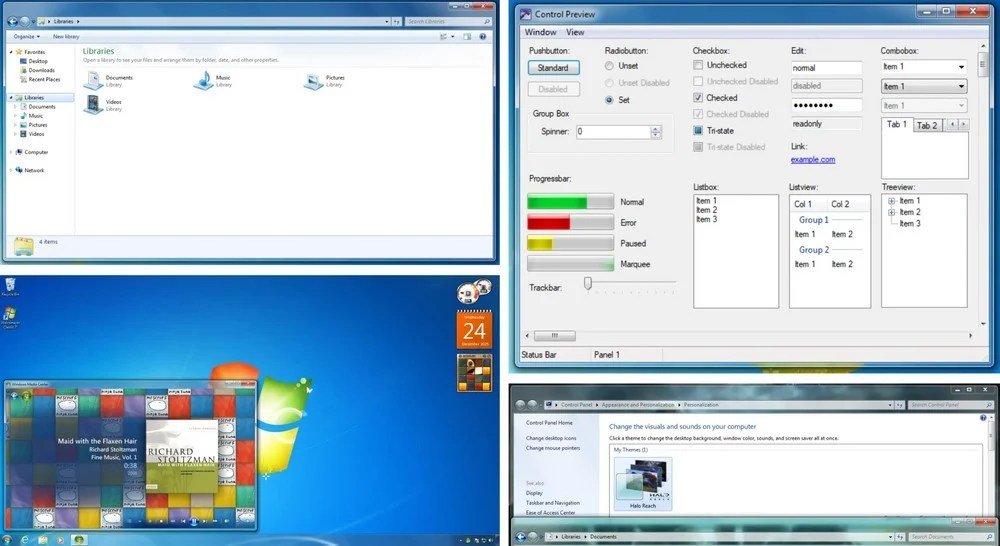






Microsoft launched Windows 10 almost 10 years ago and it plans to end support for the operating system next week, on October 14th, 2025.
End of support means that Microsoft won’t deliver updates to your devices anymore for the operating system. That is a problem, as security issues won’t get fixed anymore. If you connect your PC to the Internet, this affects the security of the device and is in most cases better avoided.
This guide reveals the options that you have to keep the PC up and running, and secured.
Option 1: Extend the life by joining ESU
Extended Security Updates are at this time probably the best option. They extend life by a year for consumer PCs and by up to three years for business PCs.
For consumers, it is easy to join.
- Check Settings > Update / Security for enrollment information. Check this guide for additional details on enrolling in Windows 10 ESU.
- Use this handy open source script to join, even if you use a local account.
Users from the European Economic Area may join for free. Everyone else has three options (pay money, pay with Rewards points, allow cloud backups).
Takeaway: Extends support by a year, giving you time to think about the next step.
Option 2: Upgrade to Windows 11
The upgrade to Windows 11 should be free for most Windows 10 devices. However, not all Windows 10 devices are compatible with Windows 10, as Microsoft changed the system requirements.
You can use Microsoft’s official PC Health Check app to find out if your PC is compatible.
If your PC is compatible, you should be able to upgrade to Windows 11 via Settings > Update & Security.
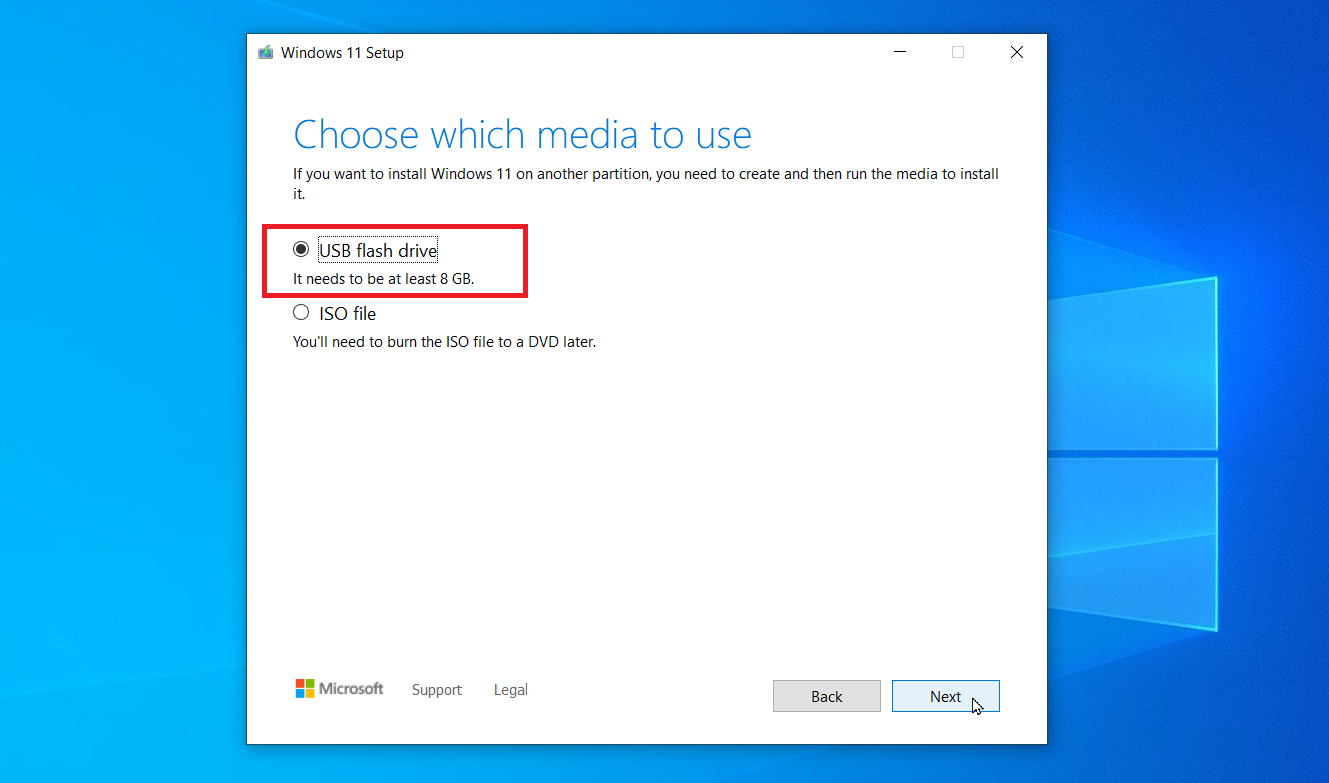
If your PC is not compatible, there is still a good chance that you can install Windows 11 on the device. My suggestion is to use the open source Flyoobe for that. It does all of the heavy lifting for you so that you can install Windows 11 without having to tinker with Registry settings or manipulating installation media manually.
Another option comes in the form of the open source tool Rufus. Either way, most Windows 10 PCs should be able to upgrade to Windows 11 using these tools.
Option 3: Sign up for 0Patch
The third-party 0Patch will provide critical security updates for Windows 10 once it goes out of support. You install an agent on the system that patches the issues in memory. It costs about $30 per year, but you also get support for other Microsoft products, such as Office versions that Microsoft no longer supports.
0Patch plans to support Windows 10 until 2030 at the very least. The company has a solid track record of pushing out patches, some even before Microsoft.
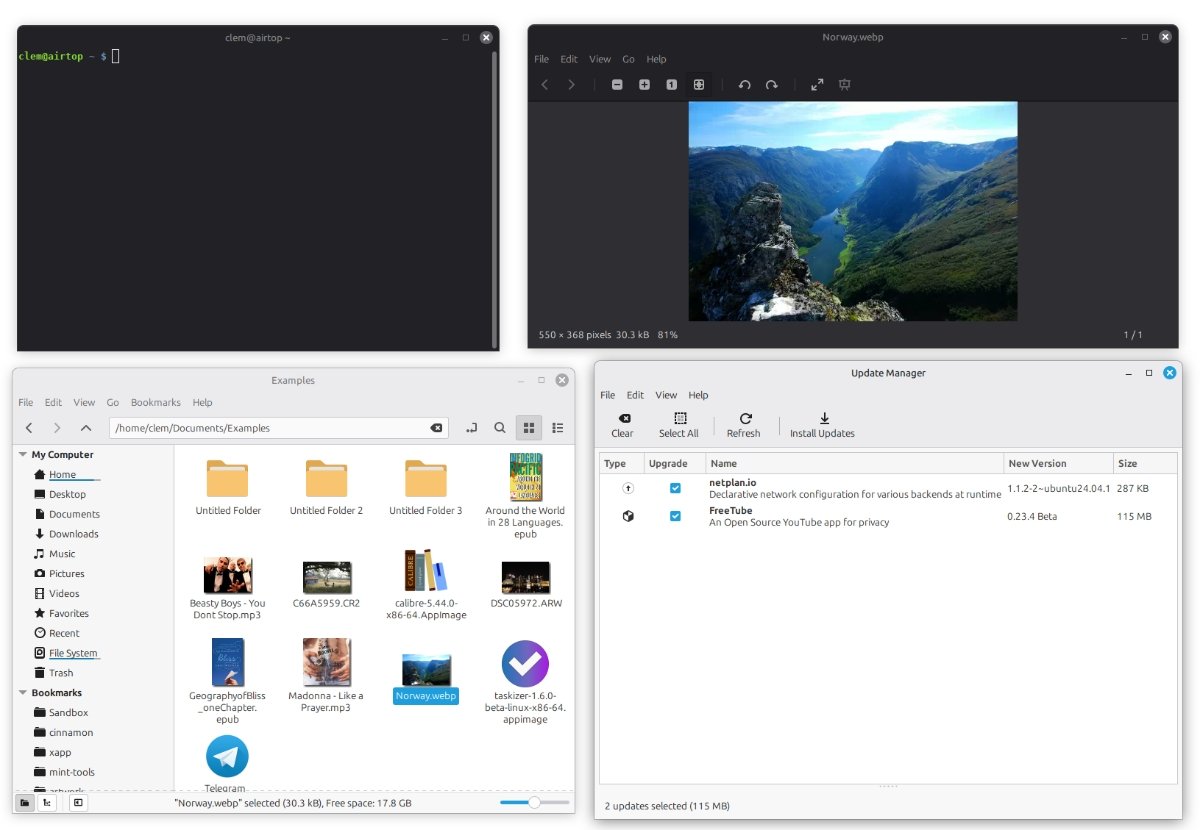
Option 4: Switch to Linux

This is the most daunting option, as it will take quite some time and learning. Linux is free and open source, and you can switch for free.
However, there are some caveats:
- You need to migrate the data from your Windows 10 PC.
- Not all apps or games that you worked with may be available, but there are usually alternatives.
- You need to learn using a new operating system.
It is probably the best option, if you plan to use the PC for a long time. However, it is not the best course of action when you are in a hurry. Better option: join ESU, use the year to prepare, then migrate.
Option 5: Buy a new PC
This is Microsoft’s recommended option. If your Windows 10 PC is not compatible with Windows 11, just buy a new one. This works out well if you needed a new PC anyway and have the money to do so.
This is not as easy as picking the first PC with Windows 11 that you encounter. You need to make several decisions.
- Do you need AI functionality or want the option to use it in the future? Then you should pay attention to the Copilot+ PCs label, as this guarantees support for now.
- Do you have special requirements, for instance for gaming or work that requires plenty of horse power?
- Do you just need a PC to browse the Internet, do some shopping, watch a few streams? A mini PC may be an option.
Now You: have another option that I missed or did you pick one of the listed options already? Feel free to leave a comment down below.
Thank you for being a Ghacks reader. The post Windows 10: With one week of support left, here are your options appeared first on gHacks Technology News.